
ImPOS Fiscal
Fiscal receipts and the КДФИ-01 book, straight from the till
ImPOS, the POS software for restaurants, cafés and bars in North Macedonia, sends every receipt to the fiscal printer connected to its server and closes the fiscal day from the till. The Fiscal books module fills in the КДФИ-01 daily financial report from your fiscalized receipts, so you review and confirm each day instead of writing it.
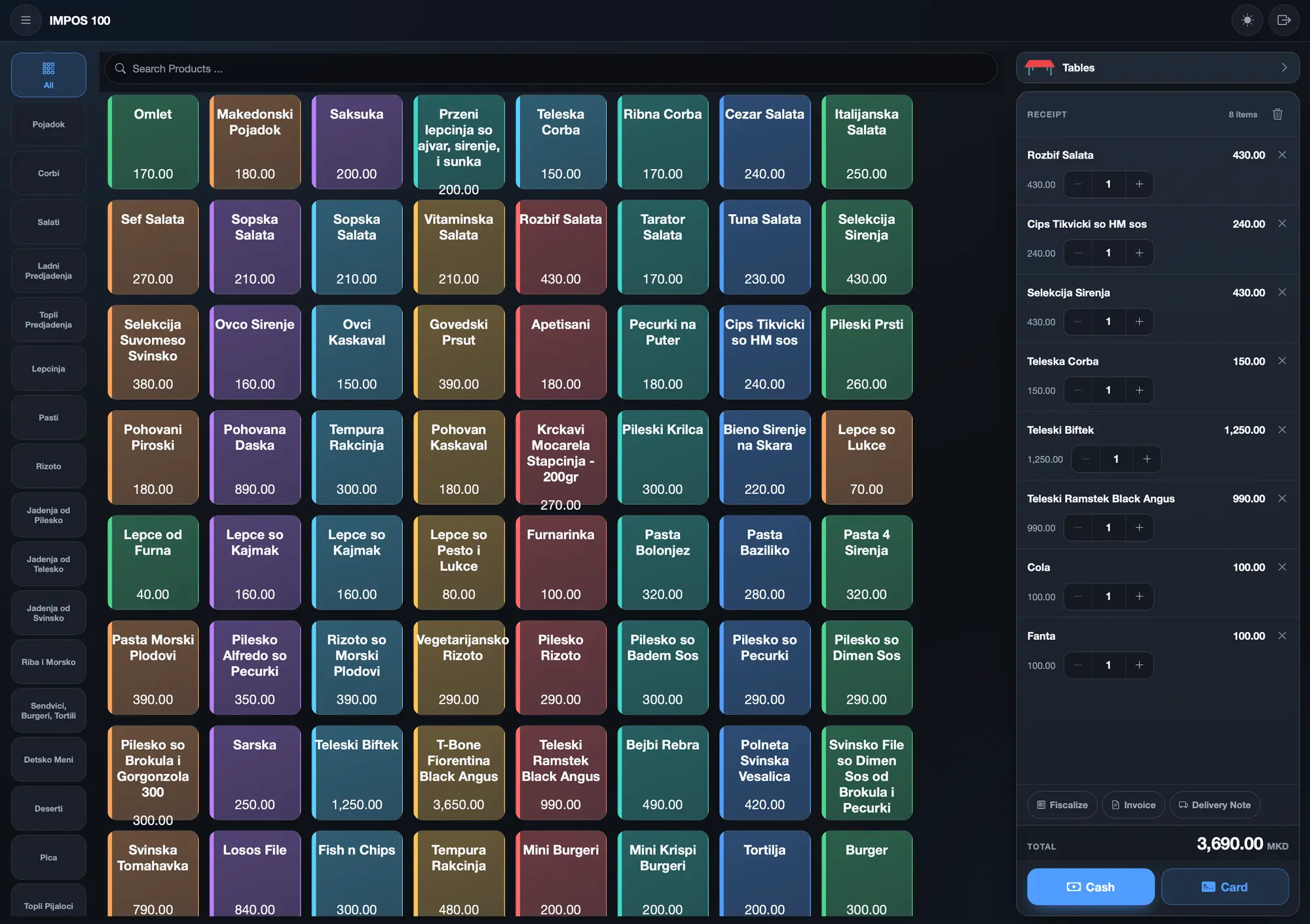
How it works
-
Connect the fiscal printer
Choose its model and port in Settings › Fiscal. New receipts start with Fiscal turned on.
-
Take payment
In cash or by card: the fiscal printer prints the fiscal receipt.
-
Close the fiscal day
“Close Fiscal Day” at the end of the day. With Fiscal books, you confirm the day’s КДФИ-01 row as you close it.
What you get
- Receipts fiscalized on the fiscal printer connected to the ImPOS server
- Fiscal by default: every new receipt starts with Fiscal turned on
- Late fiscalization: a Fiscalize button for receipts paid today that have no fiscal receipt
- “Everything paid today is fiscalized”, when nothing is left to fiscalize
- The daily report and “Close Fiscal Day” from the till, with the totals of each shift
- The КДФИ-01 daily financial report, computed from fiscalized receipts for each day of the month
- Each day’s КДФИ-01 row reviewed and confirmed as you close the fiscal day
- Days edited and approved, with who approved each one; any month printed
- A flag on a day whose receipts changed after its row was saved
- The premises, address and VAT number in Settings, printed on the КДФИ-01 cover
- Who may close the fiscal day or fiscalize earlier receipts, set per role
What it doesn’t do
- ImPOS isn’t the fiscal device: you need a fiscal printer connected to the ImPOS server.
- Fiscal receipts print in Latin letters: ImPOS converts Cyrillic product names for the fiscal printer.
- Late fiscalization covers only the receipts paid today.
Fiscal printer and КДФИ-01: questions and answers
What does ImPOS do with the fiscal printer?
ImPOS, the POS software for restaurants, cafés and bars in North Macedonia, sends every receipt to the fiscal printer connected to its server, which prints the fiscal receipt. At the end of the day it closes the fiscal day, and with the Fiscal books module it fills in the КДФИ-01 book.
Is ImPOS a cash register?
No. ImPOS is the POS software, and the fiscal device is the fiscal printer it drives: ImPOS fiscalizes every receipt on it.
Which fiscal printers does ImPOS work with?
The fiscal printers sold in North Macedonia: you choose the model in Settings › Fiscal. Message us your printer’s model on WhatsApp to check it.
Does fiscalization need the internet?
No. ImPOS talks to the fiscal printer over the venue’s own network, and the fiscal printer sends its data to UJP over its own GPRS connection.
What if a receipt wasn’t fiscalized?
Use late fiscalization: a Fiscalize button on the Tables screen sends the receipts paid today without a fiscal receipt to the fiscal printer. Who may do it is set per role.
Does ImPOS keep the КДФИ-01 book?
Yes, with the Fiscal books module. It computes each day’s row from your fiscalized receipts, you review and confirm it as you close the day, and you can print any month.
Can the fiscal receipt show product names in Cyrillic?
No. Fiscal receipts print in Latin letters, so ImPOS converts Cyrillic product names for the fiscal printer.
How much does fiscal printing cost in ImPOS?
Fiscal printing is part of every ImPOS plan, from 12.000 MKD (Pro) to 32.000 MKD (Ultra) a year. The plans are the software: the fiscal printer is a separate device.
Show us your venue — we'll draw it for you in ImPOS.
A short demo, at your venue or online.