ImPOS Roles and permissions
Every employee with their own PIN, role and shift
ImPOS, the POS software for restaurants, cafés and bars in North Macedonia, gives every employee their own PIN and a role that decides what they may do, such as cancelling a receipt or taking over a colleague’s table. Each employee sells from their own shift, and the receipt history shows who moved or cancelled what.
How it works
-
Add the employees
Give each one a PIN and a role: Admin, Manager, Employee, Chef, Bartender, Cashier or a role of your own.
-
Sign in with the PIN
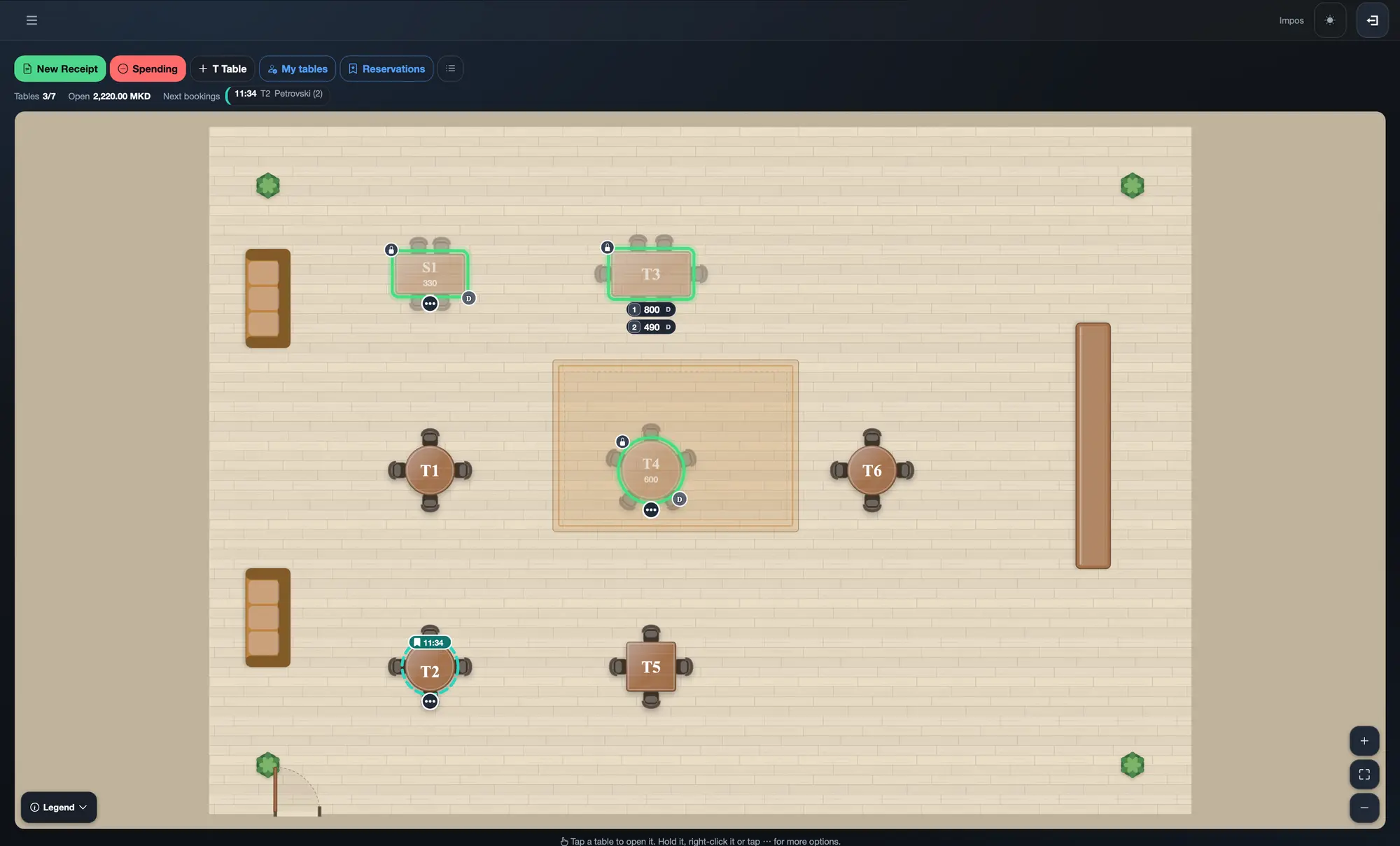
With PIN-only sign-in, staff type just their PIN, and find their tables under “My tables”.
-
End the shift
“End Shift” closes it with its totals, and the shift report prints on the report printer.
What you get
- PIN-only sign-in: staff type only their PIN, without choosing their name first
- “Sign out after each sale”, for a till that several people share
- Built-in roles (Admin, Manager, Employee, Chef, Bartender, Cashier) and roles of your own
- Permissions switched on per role, such as “Cancel a receipt”, “A colleague’s table” and “End someone’s shift”
- A start screen per role, and which order tickets each role sees: food, drinks or pizza
- Nobody can give a role that can do more than their own, and the Admin role can’t be locked out
- “My tables” and colleagues’ tables: taking over a table moves it, and its payment, into your shift
- Active shifts and shift history, with the printed shift report and the products sold
- The receipt history: who transferred a receipt to whom, and why a receipt was cancelled
- Revenue by shift on the Dashboard
- Each employee uses ImPOS in their own language: Macedonian, Albanian, Turkish or English
What it doesn’t do
- No payroll: ImPOS doesn’t calculate wages.
- No staff rota: a shift in ImPOS is an employee’s selling session, from opening it to closing it, not a schedule planned ahead.
- No alert to a waiter when a colleague takes over their table.
Staff, roles and shifts: questions and answers
How does ImPOS handle staff and permissions?
ImPOS, the POS software for restaurants, cafés and bars in North Macedonia, gives each employee a PIN and a role. The role’s permissions decide what they may do, and each employee sells from their own shift.
Can staff sign in with just a PIN?
Yes. With PIN-only sign-in, staff type their PIN without choosing their name first, and ImPOS can sign them out after each sale on a shared till.
Can I stop waiters cancelling receipts?
Yes. “Cancel a receipt” is a permission you switch on or off per role, and a cancelled receipt keeps its reason, such as “Wrong entry” or “Complaint”, in its history.
Can I see who moved a table or a receipt?
Yes. The receipt history shows who transferred it and to whom, and working on a colleague’s table is a permission of its own.
Which roles does ImPOS have?
Admin, Manager, Employee, Chef, Bartender and Cashier are built in, and you can add roles of your own. Each role’s permissions decide what its employees may do.
Does ImPOS do payroll or staff rotas?
No. ImPOS records each employee’s shifts and sales, but it doesn’t calculate wages or plan rotas.
What is a shift in ImPOS?
It’s an employee’s selling session: every sale they take between opening and closing it lands in it. Closing it gives the shift report with its totals.
Do roles and shifts cost extra?
No. Employees, roles and shifts are in every ImPOS plan, from 12.000 MKD (Pro) to 32.000 MKD (Ultra) a year.
Show us your venue — we'll draw it for you in ImPOS.
A short demo, at your venue or online.